
JSON: Extracting a variable
Handling returned JSON content
Key Concepts
With an API that returns a JSON body, you can use conditions set in the Conditions tab to extract results and give them a variable name. You can also set a pass/fail condition that depends on a specific string or result being returned.
Handling Content
Most REST APIs return data in dictionary objects, also known as mappings. They are indicated by { "curly braces". To find a value, use the key name to index into the object.
ExampleUse a dot (.) to access attributes of a JSON object. Alternatively, subscript syntax ([]) can be used. The following expressions are equivalent:
foo.bar
foo['bar']
Handling a List
Lists, or Arrays are a sequential order of values or objects. In JSON they are indicated by a [ "square bracket". To find a value, you use the zero-based index of the item in the list.
Picking the first item in a listIf the response is a list, you can access the first item with either of these expressions:
my_list[0]
my_list.0
Example: Pick Verify a Specific Word from a JSON body
Let us assume we want to verify that the sixth word returned in a result is 'What' and set a pass condition contingent on it being the word having that value.
The returned JSON looks like this:
{
    "Recognition": {
        "Info": { "metrics": { "audioTime": 7.94000006, "audioBytes": 127092 } },
        "Status": "OK",
        "ResponseId": "f160c005a1b78d2abda5eda4aa935a6f",
        "NBest": [
            {
                "Confidence": 0.39000000000000001,
                "ResultText": "Hello this is a test. What time is it goodbye.",
                "LanguageId": "en-US",
                "Grade": "accept",
                "Hypothesis": "hello this is a test what time is it goodbye",
                "Words": [
                    "Hello",
                    "this",
                    "is",
                    "a",
                    "test.",
                    "What",
                    "time",
                    "is",
                    "it",
                    "goodbye."
                ]
            }
        ]
    }
}
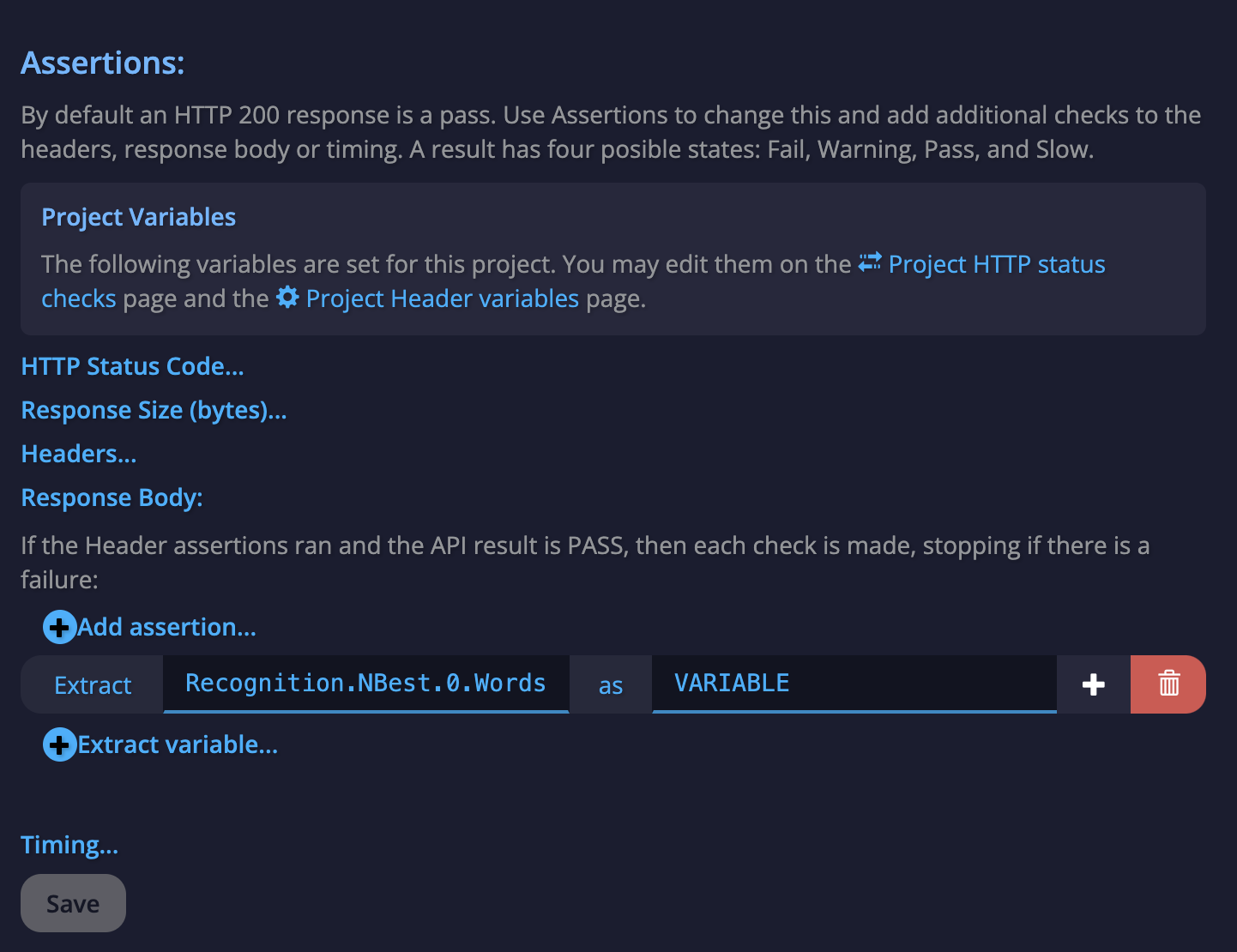
To extract the sixth word, we can use either of these constructions:
Recognition.NBest.0.Words.5or
Recognition.NBest[0].Words[5]In the Assertions section for the API Call Edit tab, we would enter the following to create the conditional condition:
Updated about 1 year ago